
01
One product image, dozens of ad variations
Turn a single product photo into listing images, TikTok ad clips, Instagram Reels, and UGC-style concepts. Test more angles without reshooting.
Upload a product photo or paste a Shopify / Amazon URL. Maker AI ships product photos, image-to-video ads, and AI UGC clips ready for TikTok, Instagram, Amazon, and Shopify.
Powering ecommerce ad creative with Maker AI
 Skincare brand
 Smart gadget DTC
 Cafe equipment FR
 Pet supplies
 Kitchen tools ES
 Fitness gearSkincare brandSmart gadget DTCCafe equipment FRPet suppliesKitchen tools ES
Upload your product, pick the output you need, and ship — Maker AI handles the rest.
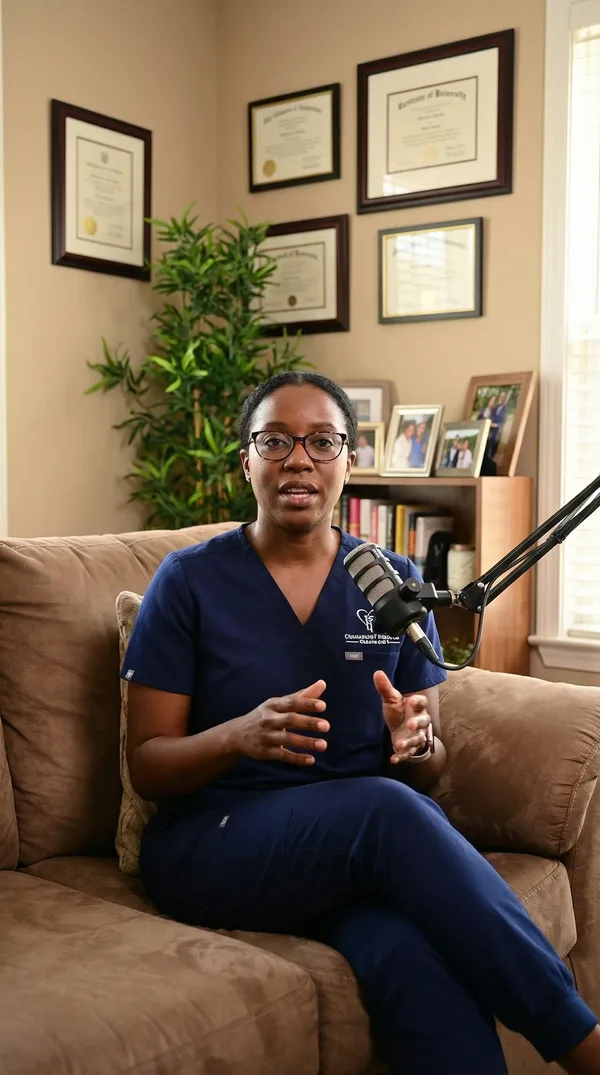
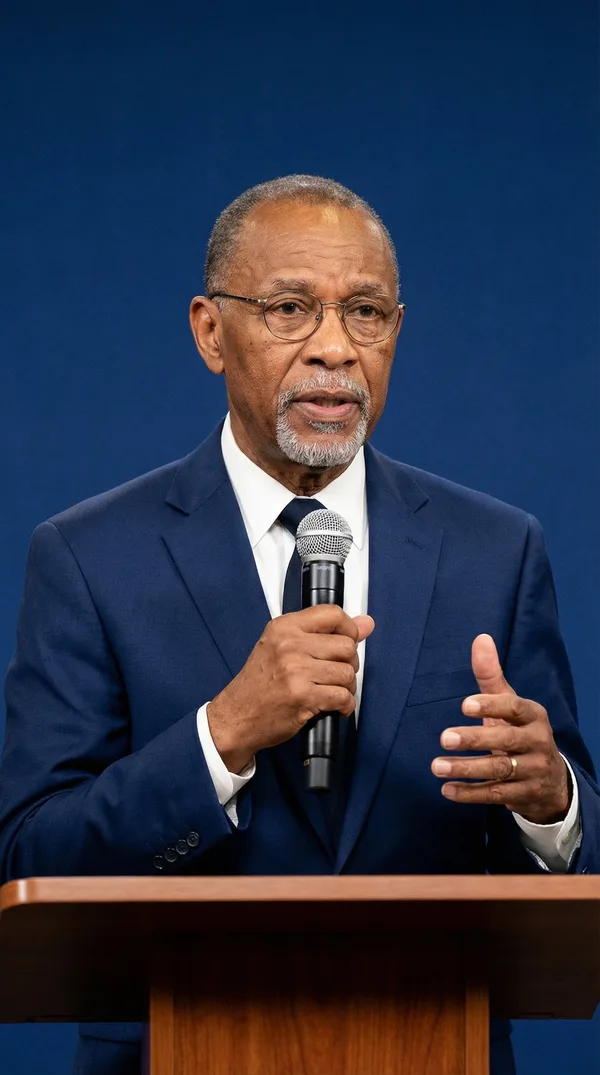
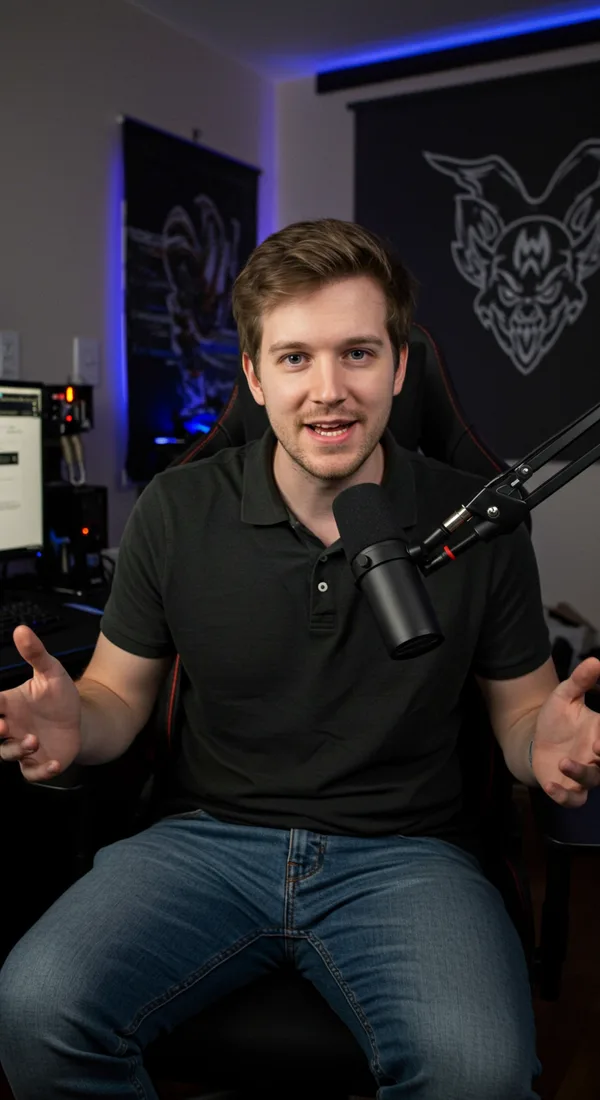
Drop a phone shot or paste a Shopify / Amazon URL. Maker AI analyzes the product, key features, and target audience automatically.
Waiting for confirmation...
Studio product photos, image-to-video ads, or AI UGC clips with realistic digital humans. Each output ships with platform-specific aspect ratios and pacing.
Export ready for TikTok, Instagram, Amazon, Shopify, and Meta Ads. Iterate fresh creative every week without scaling your team.
Ecommerce teams use Maker AI to ship product photos, image-to-video ads, and UGC clips that perform on TikTok, Meta, Amazon, and Shopify.
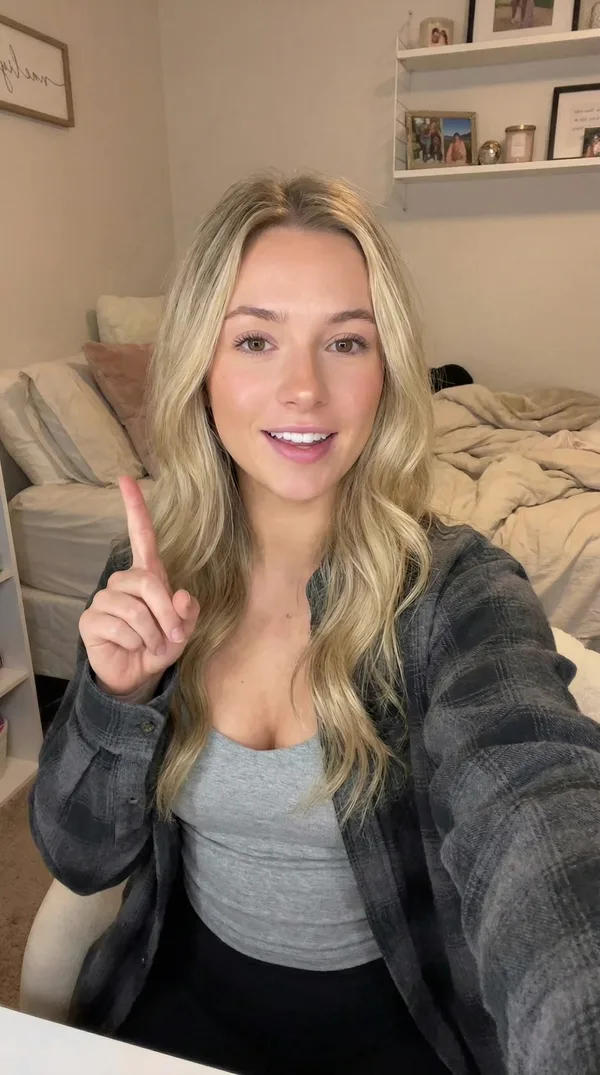
POV: you just found the AI tool that actually ships ad creative for ecommerce - upload a product photo, get a TikTok-ready video.
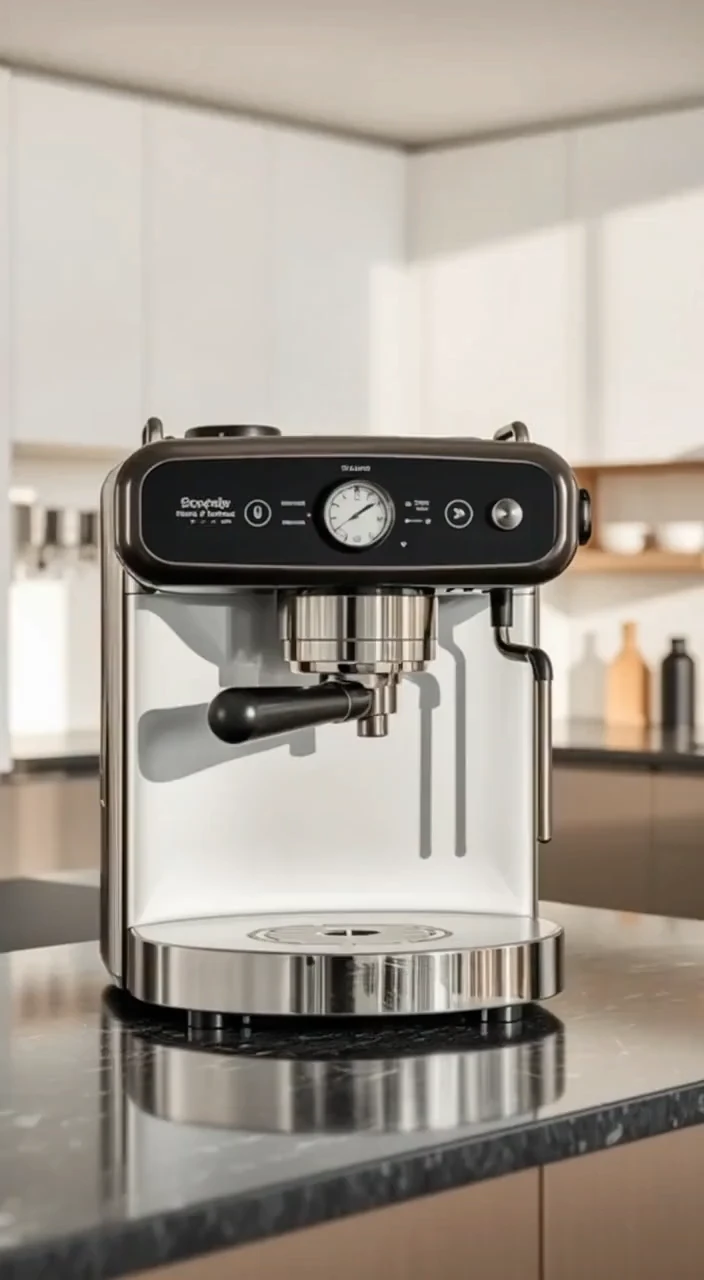
A French presenter introduces an espresso machine. Luxury product ad with cinematic storyboard for Instagram Reels.
Your ads fail because they look like ads. Maker AI ships UGC-style clips your buyers actually watch.
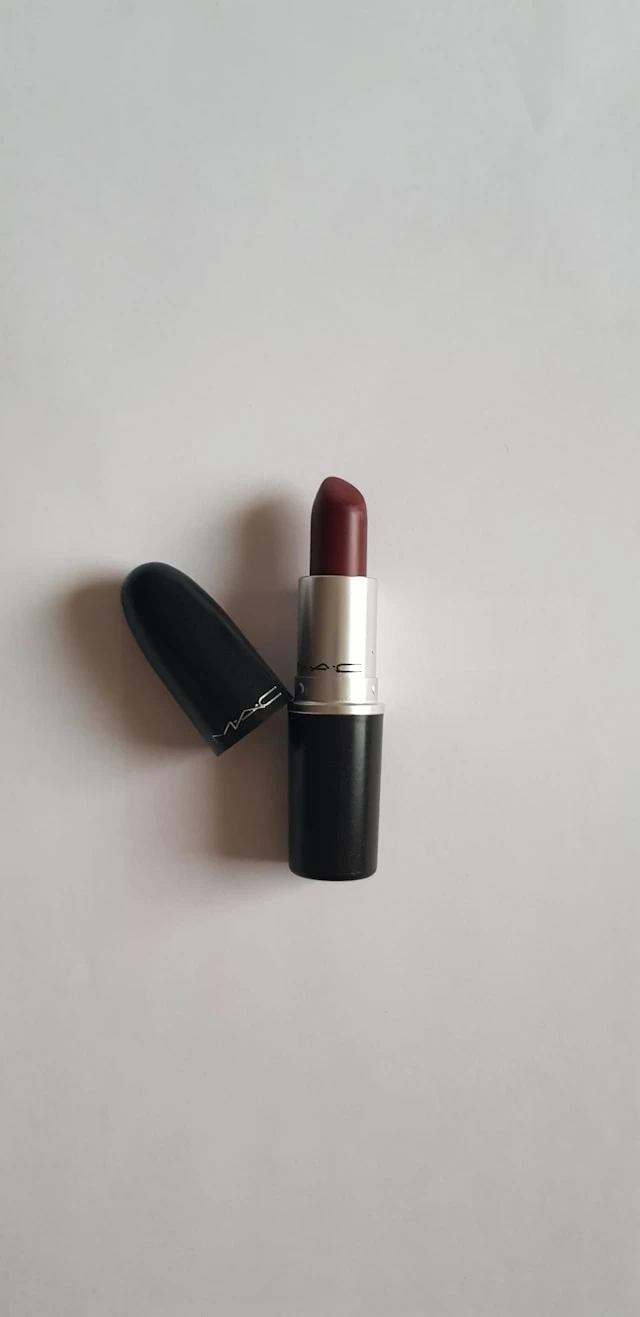
A German presenter introduces a luxury lipstick. Storyboarded product ad for Meta Ads.
Maker AI ships product photos, image-to-video ads, and UGC clips from a single upload — built for ecommerce ad teams, not content creators.
Turn a phone shot into ecommerce hero images, lifestyle scenes, and Amazon-ready listings. Backgrounds, lighting, and shadows match commercial photography without booking a studio.
Turn a phone shot into a studio-quality ecommerce hero image. Backgrounds, lighting, and shadows match commercial photography without booking a studio.
Drop in a product photo and ship a TikTok, Reels, or Shorts ad video. Maker AI picks from 16+ video models and applies platform-specific aspect ratios and pacing automatically.
Drop in a product image - Maker AI ships a TikTok, Reels, or Shorts ad video with the right aspect ratio, model, and pacing for each platform.
Generate UGC-style videos with realistic AI digital humans across 1000+ avatars. Test ten hooks in a day, localize to seven languages, and ship without paying creators.
Maker AI is the AI ad creative team for DTC brands and Amazon sellers — built around products, not personalities.
TikTok, Reels, Shorts, Amazon listing video, Shopify product page — Maker AI picks aspect ratio, duration, and pacing automatically.
Generate UGC-style clips with 1000+ realistic digital humans. Skip creator briefs, contracts, and waiting weeks for revisions.
Same product image, three kinds of ad creative — ready for every platform.
Test ten hooks in a day. Localize to seven languages. Ship fresh creative every week without scaling your team.
Upload a product image — Maker AI infers product, audience, and platform-specific hooks. No prompt engineering required.
Hero shots, before/after, and UGC try-on for serums, lotions, and cosmetics.
Model-free product photos and styled lifestyle scenes for DTC clothing and accessories.
Room scenes, lifestyle staging, and short-form ads for decor, kitchen, and furniture.
Clean studio shots and explainer ads for electronics, accessories, and smart devices.
Playful lifestyle ads and product shots for treats, toys, and pet gear.
Appetizing studio photography and snackable short-form ads for snacks, drinks, and supplements.
Trustworthy product visuals and UGC for vitamins, fitness, and self-care brands.
Vibrant scene shots and ads for jewelry, art supplies, outdoor, and creative gear.
Turn a single product photo into listing images, TikTok ad clips, Instagram Reels, and UGC-style concepts. Test more angles without reshooting.
Choose from proven ad hooks for TikTok, Instagram, YouTube, Facebook, and more. Each hook comes with a ready-to-use prompt and the right model recommendation.
Kling for people and action, Sora for cinematic storytelling, Veo Fast for volume testing, GPT Image 2 for product stills. Maker AI picks the best model so you do not have to.
Maker AI is an AI ecommerce creative studio for product photos, product videos, and UGC-style ad drafts. It gives sellers and growth teams one workspace for turning product assets into content they can use on stores, landing pages, and social campaigns.
Yes. Maker AI is designed for ecommerce workflows such as Shopify product visuals, Amazon listing creative, landing page demos, and short social ads. Start from a clear product image, choose the asset you need, and generate variations for your store or campaign.
Use image models when you need polished product stills, Veo Fast when you need many quick video tests, Sora when you want cinematic product storytelling, and Kling when the ad needs stronger people, action, or social-style motion.
Start with a clear product image with enough detail, accurate colors, and minimal blur. A clean product photo gives the model more reliable information, especially when you want to preserve packaging, shape, material, or brand details.
Maker AI is built for commercial product content and ad testing. Paid plans include commercial use rights from Maker AI, but you should still review any model-specific rules if your campaign has strict legal, marketplace, or brand requirements.
Maker AI includes ad templates and hook recommendations for TikTok, Instagram, YouTube, Facebook, Pinterest, Snapchat, and X. Each platform has specific hooks, aspect ratios, and model recommendations optimized for that audience.
Create a free account, upload a product image or choose a product ad workflow, and generate your first product visual or short video. Use the inspiration library if you want a faster starting point.